


Minecraft 26.4 Vulkan Default: What Players Need to Know
Posted 18 minutes ago
Short answer: in Minecraft Java Edition's 26.4 snapshots, Vulkan is now the default graphics API, and Mojang says it is no longer experimental. If you want the old behavior, you can pick OpenGL in the video settings. Here is what that means for you, based on the official snapshot notes.
Minecraft 26.4 Vulkan default: what changed
According to the official Snapshot 9 article on minecraft.net (which also carries a note about the later Snapshot 10 release), Vulkan is now the default graphics backend rather than being randomized, and it is no longer considered experimental. Mojang's note says the plan is to ship 26.4 with Vulkan as the default graphics API, unless critical issues turn up.
That last part matters. This is a plan, not a promise, and the change has so far appeared only in snapshots. We will not guess at a release date, so keep an eye on the official changelog.
The earlier Snapshot 1 notes describe a 'Graphics API' video setting where 'Default' behaves the same as 'Prefer Vulkan'. They also say the game no longer changes this setting automatically if a startup crash is detected. In other words, if something goes wrong, you may need to change it yourself.
Will Vulkan improve performance?
Mojang's notes do not publish any benchmark numbers or promise a specific frame rate gain, so we will not either. Results depend on your hardware, drivers, settings and mods. The practical advice is to test it yourself: play for a while on the default, then compare with OpenGL in the same world with the same settings.
How to check which graphics API you are using
Because 'Default' can mean different things depending on your setup, it helps to confirm what is actually running.
- Open Minecraft Java Edition and go to the video settings. A community guide from the snapshot period places the Graphics API option under Options, then Video. The wording may differ in later snapshots.
- Look at the current value: Default, Vulkan or OpenGL.
- Load into a world and press F3 to open the debug screen. The same guide says the rendering information there shows which API is in use. Treat that as a hint to verify on your own install, since it comes from a secondary source.
How to switch back to OpenGL
If you notice crashes, graphical glitches or a mod that does not behave, switching back is the first thing to try.
- Open the video settings and find the Graphics API option.
- Change it from Default or Vulkan to OpenGL.
- Restart the game. The Snapshot 1 notes do not mention whether a restart is needed, but the community guide above recommends one, and it is a cheap way to be sure the change applied.
- Press F3 in a world to confirm the change.
If the game crashes on startup
Mojang's notes say the game will not switch the setting for you after a startup crash. If you cannot reach the menu, you may have to change the option in your options file by hand or reset your settings. Back up your files first, and check the Minecraft Wiki for the exact option name before editing anything.
It is also worth reporting problems. Mojang is explicitly watching for critical issues before it commits to shipping Vulkan as the default.
Shaders and mods: what to expect
We cannot tell you which specific shader packs or mods will or will not work, and we would rather say so than guess. What the official notes do show:
- Snapshot 1 simplified the Order-Independent Transparency algorithm and changed some shader defines (for example, OIT_WAVELET_RANK was removed). That is a sign the rendering internals are actively changing in 26.4.
- Snapshot 1 also added a minecraft:mod_list packet so that servers can learn about client mods for debugging. Vanilla clients send an empty one.
The safe approach is simple. If you use custom shaders or rendering mods, check the author's page for 26.4 notes, and if something breaks, try OpenGL before anything else. Keep a backup of your game folder before testing snapshots.
Other Snapshot 9 and 10 changes worth knowing for multiplayer
Vulkan is the headline, but the same snapshot has a few changes that matter if you play online:
- Improved Fog: a new video setting, separate from Improved Transparency. Mojang says the performance impact is minimal, though it may be noticeable on lower-end hardware. It is off on the Fast preset and on for Fancy and Fabulous.
- Repeat Recipe/Trade keybind: defaults to R and repeats your last recipe or trade, including in Villager and Wandering Trader screens. Holding Shift still places as many as possible.
- Keyboard and narrator support: the Recipe Book and Creative Inventory can now be used with the keyboard, and the narrator reads them out.
- Local coordinates: ^ ^ style coordinates now work in forceload, spreadplayers and worldborder center commands.
- Server key rotation: the login encryption key procedure changed, and server owners get a new key-rotation-period-seconds property (default 60, and 0 means a unique key per connection).
- Snapshot 10: fixes a crash that could happen when scrolling through the Multiplayer menu.
What this means if you play on AngelicCraft
Your graphics API is a client-side setting. It affects how your own game draws the world, not how you connect to a server, so choosing Vulkan or OpenGL does not change how you join AngelicCraft. AngelicCraft is a fantasy survival server built around an Angel vs. Demon alignment system, where you earn essence tied to your alignment. Our setup includes AuraSkills, CyberLevels, MythicMobs for custom mobs and bosses, and UltraCosmetics.
Bedrock players are covered too: we support Bedrock through GeyserMC. This Vulkan change is described in the Java snapshots, so it is a Java Edition topic. For step-by-step connection help, see how to join AngelicCraft. You can also read the server rules.
FAQ
Is Vulkan the default in Minecraft 26.4?
In the snapshots, yes. Mojang says the plan is to ship 26.4 with Vulkan as the default, unless critical issues appear. We cannot say it is guaranteed.
How do I switch back to OpenGL?
Open the video settings, set the Graphics API option to OpenGL, and restart the game to be safe. Use F3 to check the result.
Will Vulkan break my shaders or mods?
We do not know, and the official notes do not list specific packs or mods. Check the pack or mod author's page, and try OpenGL if you hit problems.
Do I need to change anything to join a server?
No. The graphics API is a local setting and does not change how you connect.
Does this affect Bedrock Edition?
The change appears in the Java Edition snapshots. Bedrock players can still connect to AngelicCraft through Geyser.
Join AngelicCraft
Whatever graphics API you end up with, we would love to see you in the world. Java players can connect at angeliccraft.net. Bedrock players can connect to angeliccraft.net on port 19132. Join our Discord at discord.angeliccraft.net to meet the community and get updates. You can also support the server by visiting the vote page.
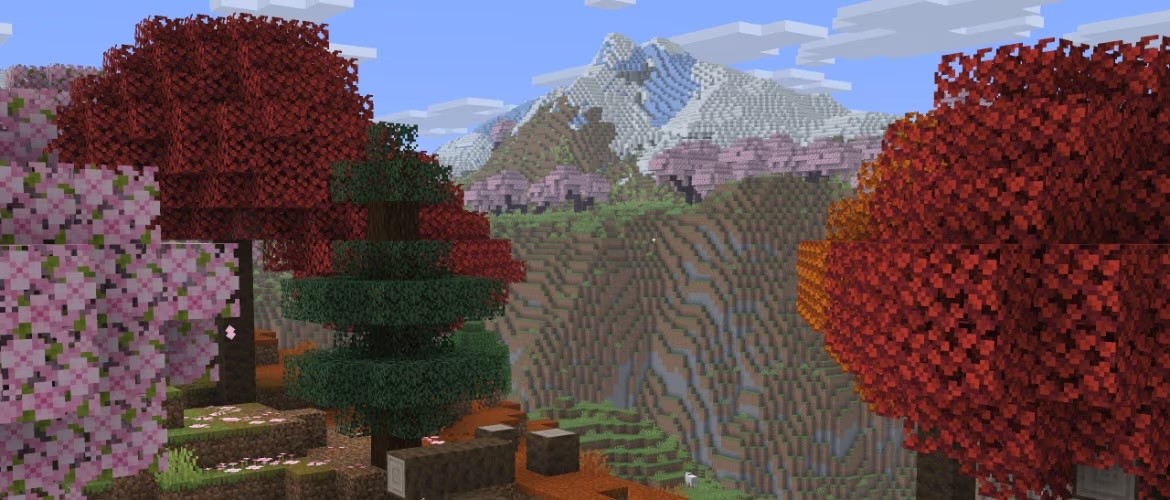
Cover image: Minecraft in-game screenshot (Mojang Studios), via the Minecraft Wiki.
More from us
Explore top posts
Minecraft 26.4 Vulkan Default: What Players Need to Know
Minecraft 26.4 Vulkan default explained: what changed in Snapshots 9 and 10, how to check your graphics API, switch back to OpenGL, and what it means for you.
22 Nov 2026
Minecraft Deep Freeze Drop: Release, Blocks & Features
Minecraft Deep Freeze drop explained: Java 26.4 and Bedrock 26.70 in Q4 2026, new brick blocks, Flurry disc, jukebox playlists and the latest snapshot.
21 Nov 2026
Minecraft Throwing Disc: What We Know So Far
The Minecraft throwing disc is a returning, piercing weapon arriving in the first 2027 game drop, with Bedrock off-hand support. Here is what we know.
18 Nov 2026
How to Beat the Ender Dragon: Step-by-Step Guide
Learn how to beat the Ender Dragon: prep, End crystals, perching, dragon's breath, rewards, and re-summoning, plus Java 26.4 Snapshot 8 flight fixes.
15 Nov 2026
Minecraft Dungeon Server: What It Is and How to Pick
Wondering what a Minecraft dungeon server is? What to look for, how it differs from Minecraft Dungeons II, and how to prep for custom mobs, bosses and loot.
10 Nov 2026
Minecraft Jukebox Playlist: Chest on Jukebox Guide
Learn how to make a Minecraft jukebox playlist with a chest on a jukebox, coming in the Java 26.4 and Bedrock 26.70 drop, plus tips for looping music discs.
9 Nov 2026
How to Level Up Fast in Minecraft Survival (XP Guide)
Learn how to level up fast in Minecraft survival: the best XP sources, mob and ore values, smart enchanting tips, and how to avoid losing levels when you die.
9 Nov 2026
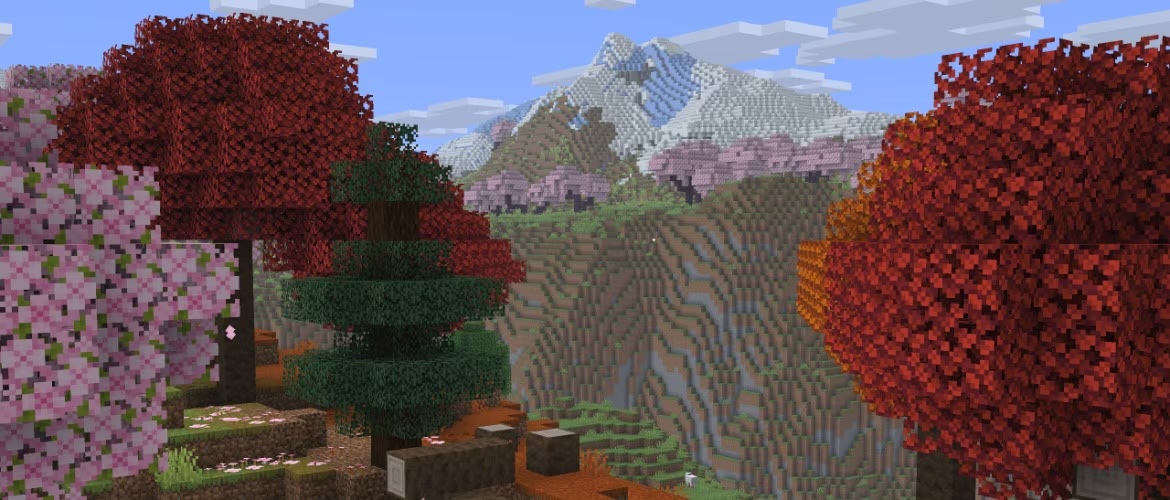
Minecraft 26.4 Server Changes: What to Know Before Updating
Minecraft 26.4 server changes from the snapshots, plus what 26.2 added: new server.properties, networking tweaks, Vulkan and a prep checklist for owners.
7 Nov 2026
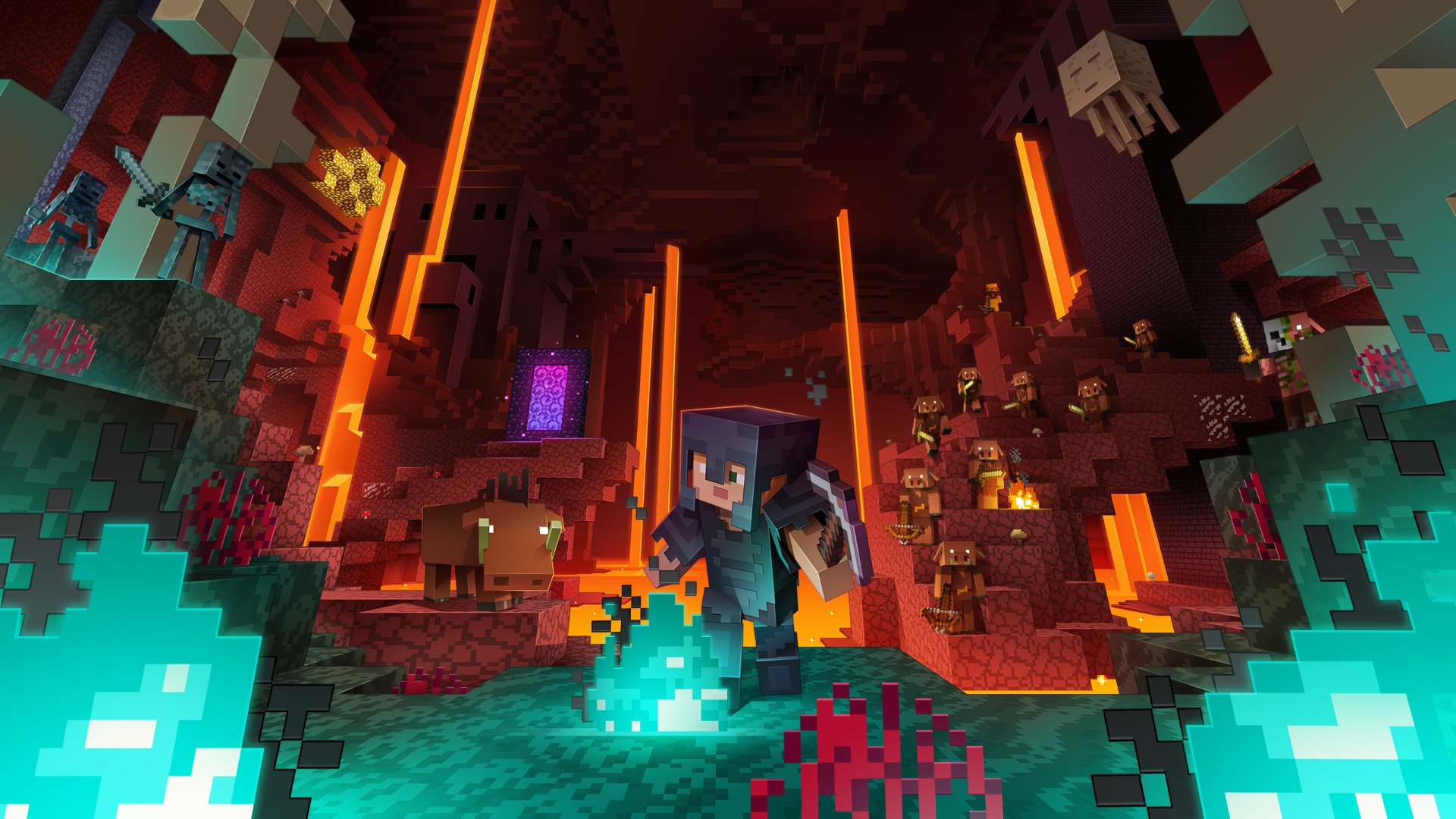
Minecraft Angel vs Demon Server: Which Side Fits You?
Curious about a Minecraft angel vs demon server? See what alignment survival means, how AngelicCraft uses it, and how to think about which side suits you.
6 Nov 2026
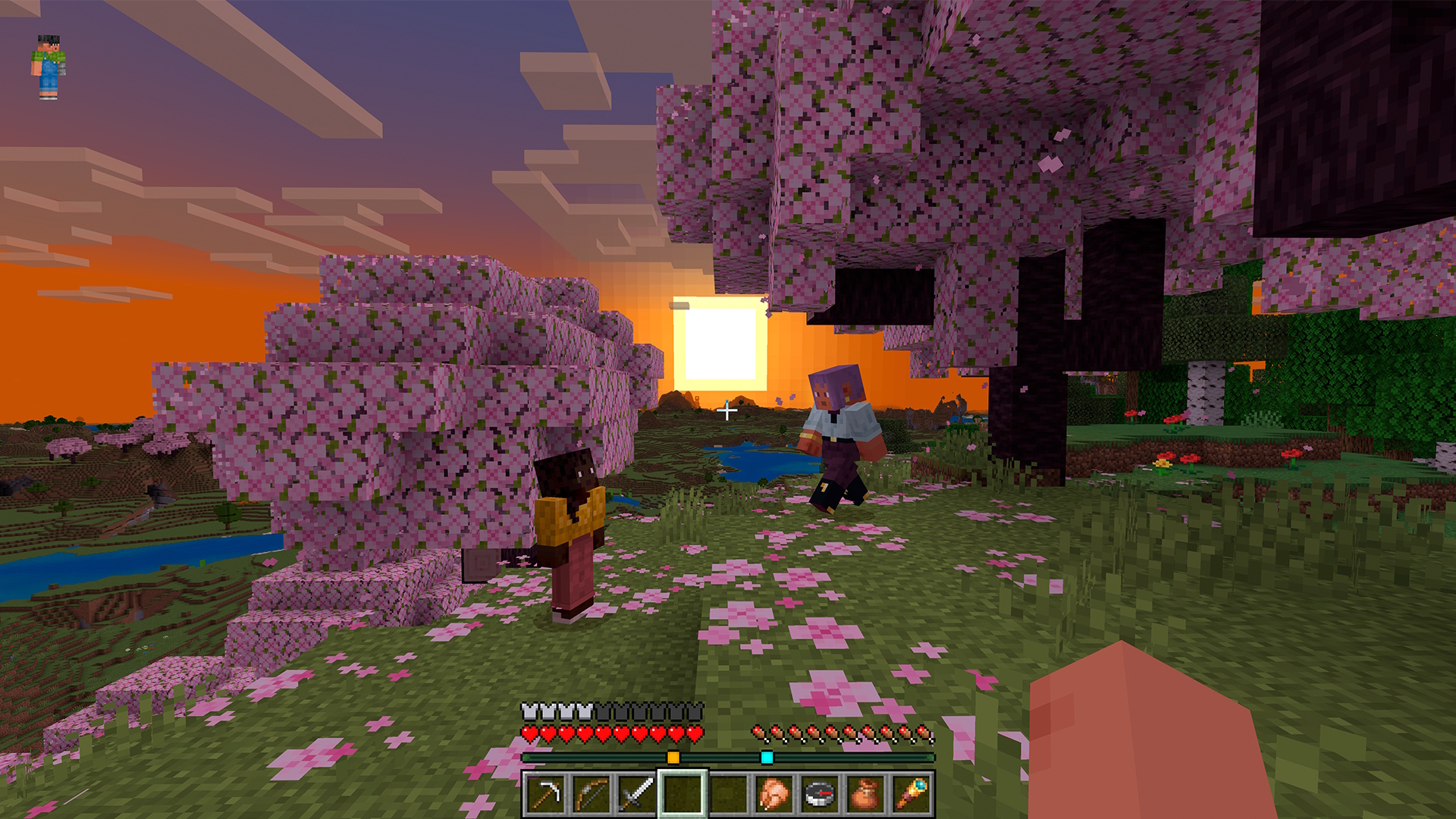
How to Choose a Minecraft Survival Server
Learn how to choose a Minecraft survival server with a practical checklist covering rules, monetization, progression, platform support and community.
4 Nov 2026
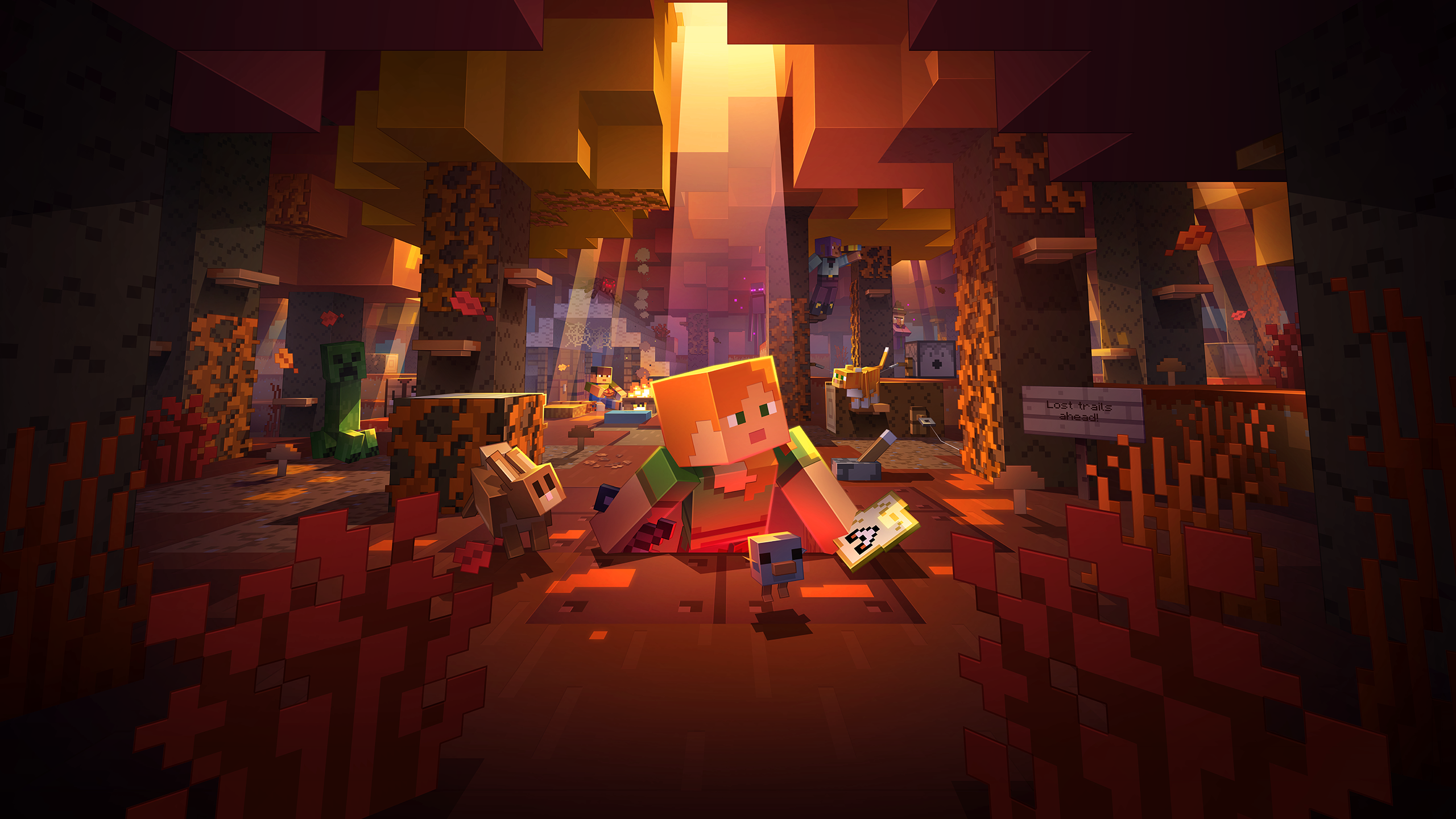
Minecraft Wilderness Bound Guide: What to Do First
Our Minecraft Wilderness Bound guide covers what's new in Minecraft 26.3 and the first steps to take in survival, from the dappled forest to abandoned camps.
2 Nov 2026
MythicMobs Custom Boss Tutorial for Survival Servers
Learn how to make a custom boss in Minecraft with MythicMobs: set stats, boss bars, phases, skills and drops, then test it on your survival server.
1 Nov 2026
How to Join a Java Server on Bedrock (Crossplay Guide)
Can Bedrock join Java servers? Yes, with GeyserMC. Learn how to add a server on Minecraft Bedrock, which port to use, and how to fix connection issues.
31 Oct 2026

Minecraft RPG Skills Server Guide: AuraSkills vs mcMMO
Looking for a Minecraft RPG skills server? See what AuraSkills is, how it compares to mcMMO, and how skills fit into AngelicCraft's fantasy survival.
30 Oct 2026
Minecraft 26.4 Ice Caves: Everything We Know So Far
Minecraft 26.4 Ice Caves explained: the new biome, Frostbite mob, Freezing effect and icicles from the snapshots, plus what we know about the release date.
29 Oct 2026

Useful Links
Support
Need any questions answered before checkout? Ask the community/staff on Discord or for payment support.
Support