


How to Choose a Minecraft Survival Server
Posted 2 hours ago
To choose a Minecraft survival server, decide what you want from survival, then test each candidate against a short checklist: clear rules, a fair store, a gameplay style that fits you, support for your edition, and a community you can actually talk to. Server lists show you what exists. A checklist tells you whether a server is right for you.
What Makes a Good Survival Server?
People ask what makes a good survival server, and the honest answer is that it depends on how you like to play. Some players want vanilla-style building with minimal changes. Others want custom progression, bosses and a world with its own story. A good server is one that says plainly what it is, then delivers that consistently. Use the sections below as a filter.
1. Start With the Playstyle
Before comparing servers, answer three questions:
- How much do you want changed? Near-vanilla, lightly enhanced, or heavily customized with plugins.
- Solo or social? Quiet building, small friend groups, or large competitive communities.
- Casual or committed? Some servers reward daily play, others suit short sessions.
A server is not better because it has more features. A feature-heavy server can feel like a chore if you only wanted to build a base and explore.
2. Check That the Server Explains Itself
A trustworthy server makes its basics easy to find. Look for:
- A clear description of the gameplay (what is vanilla, what is custom).
- A visible rules page, written in plain language.
- The connection details for your edition, stated up front.
- A place to ask questions, usually a Discord server.
If you cannot tell what a server is after a few minutes on its website, that is useful information. Servers that are hard to understand are often hard to play on.
3. Read the Rules Before You Join
Rules shape your daily experience more than any plugin. Read them for how the server handles griefing, cheating, harassment and disputes between players. Good rules are specific enough to enforce and short enough to read. Be cautious about servers with no rules page at all, or rules that are vague about what happens when someone breaks them.
4. Look Closely at Monetization
Most servers need money to run, and a store is normal. What matters is what the store sells. Mojang's usage guidelines include a commercial use section for servers that sets limits on monetization. According to it:
- Servers may sell cosmetics, except capes or anything that visually imitates a Minecraft player cape.
- Servers may sell entitlements that affect gameplay, provided they do not ruin other players' experience or give a competitive advantage in the game.
- Virtual currency must have no real-world value and cannot be cashed out or transferred to other servers.
- Servers, entitlements and advertising must be suitable for audiences of all ages; the guidelines list gambling among unsuitable content.
Use this as a baseline when you read a store page. Ask yourself: if I never spend money, can I still enjoy and progress in the game? Do supporter perks look like thanks and convenience, or like a requirement to keep up? Judge it for yourself, and ask in the community if the store page is unclear.
5. Judge the Progression and Economy
Survival is about long-term goals. Ask what you will be working toward in week one, and in month two. Servers with custom skills, levels or bosses give you structured goals. Vanilla-style servers give you open-ended ones. Either can work, but you should know which you are signing up for. If you like RPG-style progression, our comparison of AuraSkills vs mcMMO explains how skill plugins differ.
For any server that has an economy or a shop system, check whether players can explain how it works. Confusing or secretive systems are a warning sign.
6. Make Sure Your Edition Is Supported
Java Edition and Bedrock Edition are separate editions that cannot join each other's servers by default. Many servers are Java only. Some add Bedrock support through Geyser, a bridge that lets Bedrock players join Java servers. If you play on mobile, confirm that Bedrock is supported, since Bedrock can add servers by address. Consoles generally cannot add external servers from the server list, only featured ones (see the Minecraft Wiki), so joining other servers takes extra steps. Our crossplay guide covers what that involves. Check that the server states its supported setup openly rather than leaving you to guess.
7. Test the Community
A server is its people. Join the Discord and see how questions are answered. Are new players welcomed? Are announcements clear? Do staff members explain decisions, or ignore questions? You do not need a huge community, but you do want one that is respectful and responsive. If you can, play for a session or two before committing to a big build.
8. Notice How Updates and Changes Are Communicated
Healthy servers tell players what is changing and why. Look for a changelog, announcements or a news channel. Silence is not always bad on a young server, but a server that makes big changes without telling anyone will frustrate you later.
A Quick Checklist
- I know what kind of survival I want.
- The server describes its gameplay clearly.
- The rules are public and specific.
- The store does not appear to lock basic progress behind payment, and I have read it carefully.
- The goals match my playstyle.
- My edition is supported.
- The community answers questions politely.
- Changes are announced.
Frequently Asked Questions
How do I know if a survival server is pay-to-win?
Read the store page and the rules, then ask players what supporters actually get. Compare what you find with Mojang's published usage guidelines, which allow gameplay entitlements only if they do not give a competitive advantage.
Is a bigger server better?
Not necessarily. Size can mean more people to trade and play with, but it can also mean less personal attention. Choose the size that suits how social you want to be.
Should I pick vanilla or a plugin-heavy server?
Pick vanilla-style if you want to build and explore with few changes. Pick a plugin-heavy server if you want custom progression, quests or bosses. Read the server's description to see which one it is.
Can I play on a server from console or mobile?
On mobile, yes if the server supports Bedrock Edition; check its page for Bedrock connection details. Consoles generally cannot add external servers directly, so they need extra steps; our crossplay guide explains the options.
What should I do before committing to a long build?
Read the rules, join the Discord, and play a short session first. Make sure you understand how the server handles disputes and lost items.
Join AngelicCraft
AngelicCraft is a fantasy survival server built around an Angel vs. Demon alignment system, where players earn essence tied to their alignment. It uses plugins such as AuraSkills for skills and leveling and MythicMobs for custom mobs and bosses (see our boss tutorial). AngelicCraft is preparing to launch, so read how to join, browse the ranks, and check the rules. Playing on Bedrock? See our crossplay guide. Join our Discord to ask questions and get launch news.
- Java: angeliccraft.net
- Bedrock: angeliccraft.net, port 19132
- Discord: discord.angeliccraft.net
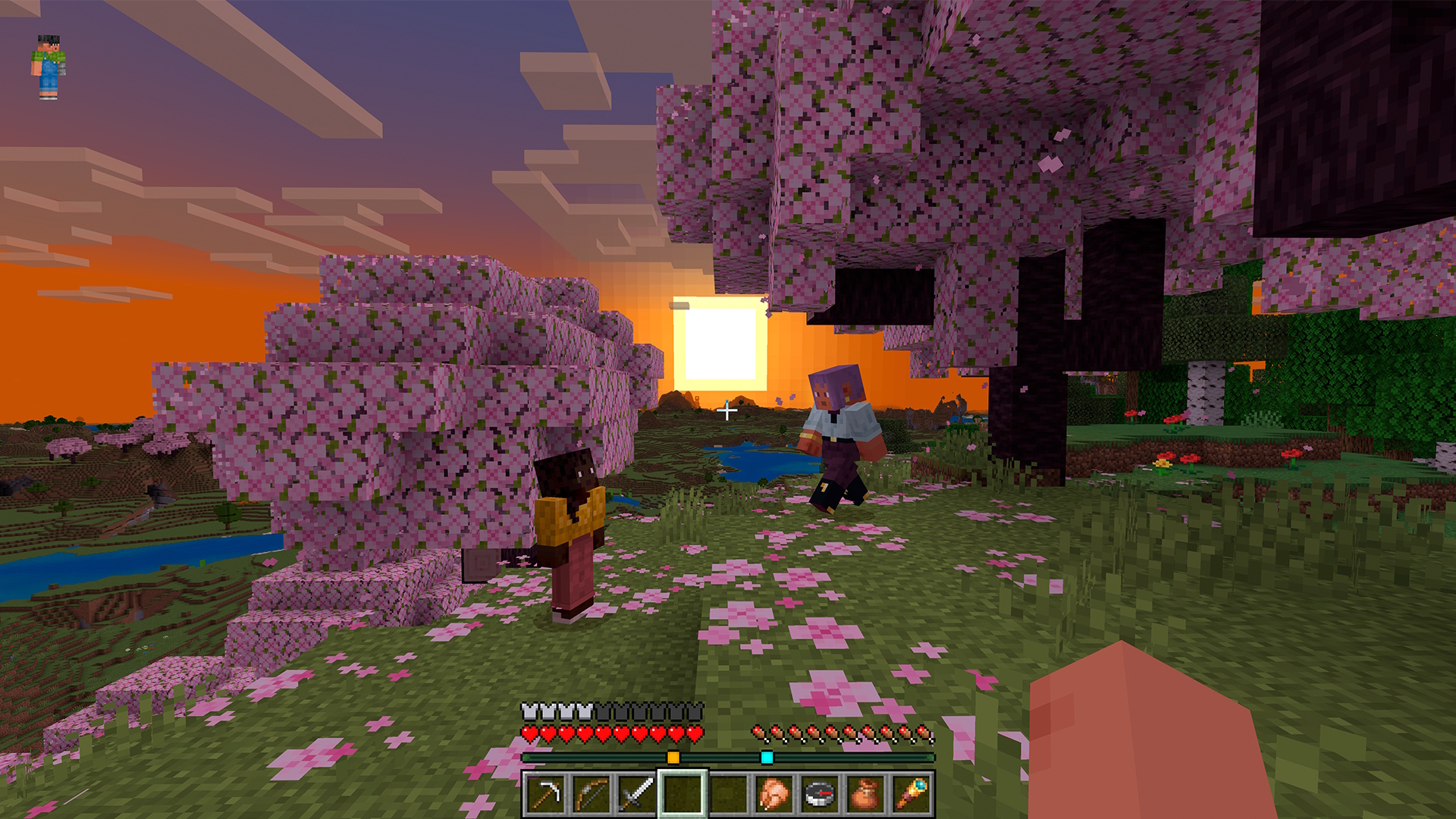
Cover image: Minecraft in-game screenshot (Mojang Studios), via the Minecraft Wiki.
More from us
Explore top posts
How to Choose a Minecraft Survival Server
Learn how to choose a Minecraft survival server with a practical checklist covering rules, monetization, progression, platform support and community.
4 Nov 2026
Minecraft Wilderness Bound Guide: What to Do First
Our Minecraft Wilderness Bound guide covers what's new in Minecraft 26.3 and the first steps to take in survival, from the dappled forest to abandoned camps.
2 Nov 2026
MythicMobs Custom Boss Tutorial for Survival Servers
Learn how to make a custom boss in Minecraft with MythicMobs: set stats, boss bars, phases, skills and drops, then test it on your survival server.
1 Nov 2026
How to Join a Java Server on Bedrock (Crossplay Guide)
Can Bedrock join Java servers? Yes, with GeyserMC. Learn how to add a server on Minecraft Bedrock, which port to use, and how to fix connection issues.
31 Oct 2026

Minecraft RPG Skills Server Guide: AuraSkills vs mcMMO
Looking for a Minecraft RPG skills server? See what AuraSkills is, how it compares to mcMMO, and how skills fit into AngelicCraft's fantasy survival.
30 Oct 2026
Minecraft 26.4 Ice Caves: Everything We Know So Far
Minecraft 26.4 Ice Caves explained: the new biome, Frostbite mob, Freezing effect and icicles from the snapshots, plus what we know about the release date.
29 Oct 2026
