



How to Join a Java Server on Bedrock (Crossplay Guide)
Posted 2 hours ago
Can you join a Java server on Bedrock? Yes, but only if the server runs GeyserMC. Vanilla Java and Bedrock editions cannot talk to each other, so a server needs a bridge. If it has one, joining takes about a minute: open Play, add a server, type the address and port, and hit Play. This guide walks you through every step.
Can Bedrock join Java servers?
Out of the box, no. Minecraft Java Edition and Bedrock Edition use different network protocols, so a Bedrock client cannot connect to a standard Java server. Geyser's own setup guide lists 25565 as the default Java server port, while Bedrock uses its own port (19132 by default).
Server owners solve this with a translation layer. When a Java server installs GeyserMC, Bedrock players can connect to the same world as Java players, and consoles can join too with some extra steps. That is what people mean by a Minecraft Java Bedrock crossplay server.
What is GeyserMC (and Floodgate)?
According to its own documentation, Geyser is a bridge between Minecraft: Bedrock Edition and Minecraft: Java Edition. It translates traffic between the two so both kinds of players share one server. Its setup guide covers Spigot, Fabric, NeoForge, Velocity, BungeeCord, ViaProxy and a standalone version. Its default port is 19132, the standard Bedrock port. See the Geyser setup page for details.
Geyser's supported game versions change often, so check the GeyserMC site for currently supported versions before you update your game.
Floodgate is a separate server plugin. On servers that install it, Bedrock players can join without owning a paid Java Edition account. Not every Geyser server uses Floodgate, so a server's own instructions always come first.
How to add a server on Minecraft Bedrock (step by step)
Before you start, get two details from the server: the address and the Bedrock port. Then follow these steps in Minecraft Bedrock Edition:
- From the main menu, select Play.
- Open the Server tab.
- Choose Add Server, above the list of official servers.
- Enter a Server Name (anything you like), the Server Address, and the Port.
- Press Play to join now, or Save to keep the server for later.
These steps follow the Bedrock server guide from Noxcrew. Menu wording can change between game updates, so adapt as needed.
What about consoles?
Consoles can join third-party servers, including Geyser servers, but only with workarounds. For Xbox One, Switch and PS4, players commonly use a third-party tool called BedrockConnect, and the Switch and PS4 setups involve changing the console's DNS settings. GeyserMC maintains a page on using Geyser with consoles that explains the options, and notes that BedrockConnect is not affiliated with GeyserMC. Consoles need extra steps, so read that guide carefully and only follow instructions from sources you trust.
Joining AngelicCraft on Bedrock
AngelicCraft is a fantasy survival server built around an Angel vs. Demon alignment system, where players earn essence tied to their alignment. It supports Bedrock players through GeyserMC. When we open, use these details in the steps above:
- Server Name: AngelicCraft
- Server Address: angeliccraft.net
- Port: 19132
We are not open to the public yet, so bookmark this page and these details. Java players connect with the address angeliccraft.net.
Troubleshooting: can't connect?
If the server will not load or the connection fails, run through this checklist:
- Check the port. Bedrock players need the Bedrock port (19132 for AngelicCraft), not the Java port 25565.
- Check the address. Look for typos and extra spaces. For AngelicCraft it is angeliccraft.net.
- Update your game. A version mismatch will block you. Check the GeyserMC site for currently supported versions and compare with your client.
- Test your network. Try another Wi-Fi network or mobile data to rule out a problem with your connection.
- Restart Minecraft. Fully close and reopen the game, then try again.
- Confirm the server is online. Servers restart and go down for maintenance. Ask in the Discord if you are unsure.
Limitations of crossplay with Geyser
Geyser does an impressive job, but the two editions are different games, and some things do not carry over perfectly. The current limitations page lists them. Highlights include:
- Clickable links in chat do not work.
- The glowing effect is not supported.
- Anything that relies on tab complete or typing in the chat UI can behave differently.
- Some command arguments for commands that do not use Brigadier may not work.
- Custom enchantments and invisible item frames are not supported.
- Maximum sign length differs between editions.
The list changes as Geyser improves, so check it occasionally. If something feels off in game, tell the server staff; they can often suggest a workaround.
FAQ
Can Bedrock join Java servers?
Yes, if the Java server uses GeyserMC (or a similar bridge). Without it, Bedrock cannot connect to a Java server.
What port do I use to join a Java server on Bedrock?
Geyser's default port is 19132. Always use the port the server lists for Bedrock, which for AngelicCraft is 19132, not the Java port 25565.
Do I need to buy Java Edition?
Not necessarily. Servers that install Floodgate let Bedrock players join without a paid Java account. Check each server's instructions.
Can Xbox, PlayStation or Switch players join?
Yes, with workarounds. Consoles need extra steps. See the GeyserMC consoles guide linked above.
Will everything work the same on Bedrock and Java?
Mostly, but not perfectly. See the limitations section above for known differences.
Join AngelicCraft
Ready to pick a side? Read how to join, check the server rules, and browse the supporter ranks to see how you can help the server grow. Join our Discord to ask questions and get launch news.
- Java: angeliccraft.net
- Bedrock: angeliccraft.net, port 19132
- Discord: discord.angeliccraft.net
Cover image: Photo by Connor Gan on Unsplash (Unsplash License).
More from us
Explore top posts
How to Join a Java Server on Bedrock (Crossplay Guide)
Can Bedrock join Java servers? Yes, with GeyserMC. Learn how to add a server on Minecraft Bedrock, which port to use, and how to fix connection issues.
31 Oct 2026

Minecraft RPG Skills Server Guide: AuraSkills vs mcMMO
Looking for a Minecraft RPG skills server? See what AuraSkills is, how it compares to mcMMO, and how skills fit into AngelicCraft's fantasy survival.
30 Oct 2026
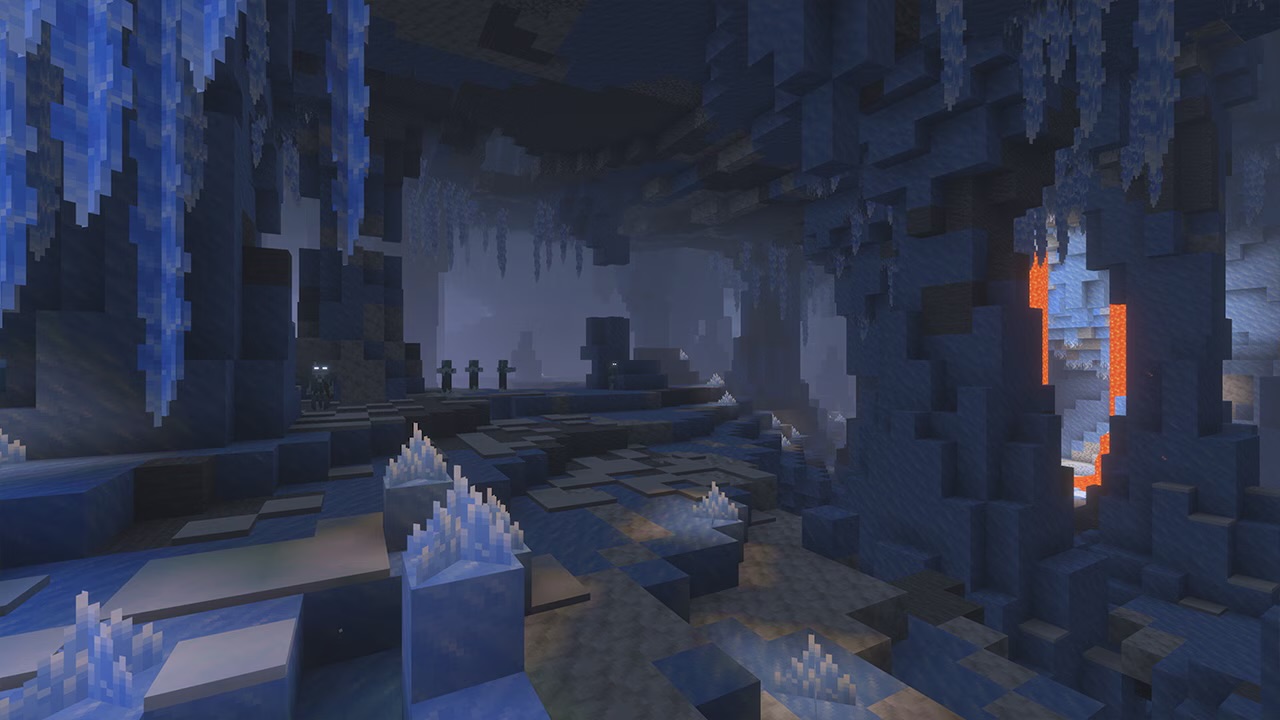
Minecraft 26.4 Ice Caves: Everything We Know So Far
Minecraft 26.4 Ice Caves explained: the new biome, Frostbite mob, Freezing effect and icicles from the snapshots, plus what we know about the release date.
29 Oct 2026
