


Minecraft Jukebox Playlist: Chest on Jukebox Guide
Posted 1 day ago
A Minecraft jukebox playlist is a new way to queue music discs: place a single chest on top of a jukebox, fill the chest with discs, and the jukebox cycles through them on its own. No hoppers or redstone required.
This guide covers the version it arrives in, the setup step by step, how the queue behaves, and how it compares to the old loop methods.
What Is a Jukebox Playlist?
Until now, a jukebox played one disc once and then went quiet. If you wanted music to keep going, you either reinserted the disc by hand or built a hopper contraption. The new playlist feature changes that. According to the Minecraft Wiki's Jukebox page, a single chest, trapped chest, or any copper chest variant placed above a jukebox lets it cycle through the discs inside as a playlist.
That makes this the simplest answer yet to the question of how to loop music discs in Minecraft.
Which Version Has Jukebox Playlists?
Playlists are part of the upcoming fourth drop of 2026. The Fourth Drop 2026 page lists it as Java Edition 26.4 and Bedrock Edition 26.70, planned for the fourth quarter of 2026 with no exact date yet. It was announced at Minecraft LIVE in September 2026 and lists "updated jukeboxes" among its additions, alongside ice caves, frostbites and a new Freezing effect.
- Java: the feature first appeared in Java Edition 26.4 Snapshot 4, released October 13, 2026.
- Bedrock: it first appeared in Bedrock Preview 26.70.20, released October 11, 2026 on iOS/iPadOS and October 13, 2026 on other devices.
Snapshots and previews are test versions, so back up your worlds before trying them. For most players the safest way to try this is a separate test world.
How to Set Up a Chest on a Jukebox
- Place a jukebox where you want the music to come from.
- Place a single chest, trapped chest, or copper chest directly on top of the jukebox. A double chest will not work.
- Open the chest and put in your music discs. Other items can sit in there too, since the jukebox skips them.
- Leave the jukebox empty. It will take the first available disc from the chest above and start playing.
- Listen. When the song ends, the disc goes back into the chest and the next one plays.
That is the whole build. Because the jukebox pulls from the chest, you can add, remove or reorder discs any time by opening the chest.
How the Playlist Queue Behaves
The details are worth knowing so your playlist does what you expect:
- Slot order: an empty jukebox takes a disc from the first available slot in the chest, skipping empty slots and non-disc items.
- Swapping: when a disc finishes, it is put back into the chest and swapped with the next available one.
- Manual skip: ejecting the playing disc makes the next disc start immediately.
- Looping: when there is no next disc, the playlist restarts from the beginning.
- Single disc: if the chest has no other disc to swap with, the current disc simply plays on loop.
- Preview: the next disc to play shows "Playing Next" in its tooltip.
The queue only works with a single chest above. With no chest, or with a double chest, the jukebox behaves the old way and plays each disc once.
Old Hopper Loops vs. the New Playlist
Before this update, players looped music with redstone. The usual trick is a hopper below the jukebox that pulls the disc out when the song ends (the jukebox locks the hopper while a disc is playing), plus hoppers or droppers that feed the disc back in. The wiki notes that several discs in such a system make a playlist, but it takes space and tinkering.
The new method replaces all that with one chest. It is smaller, easier to edit, and easy to hide inside a build. Hoppers and droppers can still insert discs, so your older designs are not obsolete if you like the engineering side of the game.
Tips and Ideas for Your Playlist
Getting music discs
The Music Disc page covers every source. The highlights:
- A creeper killed by a skeleton (or a stray, bogged or parched) drops a random music disc.
- Some discs turn up in structure loot chests.
- Disc "5" is crafted from nine disc fragments and is the only craftable disc.
- "Tears" always drops from a ghast killed by a player-deflected fireball.
- "Lava Chicken" always drops when a chicken jockey is killed, as long as you kill the rider before the chicken.
- Snapshot 7 (November 3, 2026) adds a new disc, "Flurry" by Hyper Potions, with a 30% chance in igloo basement chests.
Build ambience, not just noise
- Jukebox audio can be heard up to 64 blocks away, so a single jukebox can cover a whole base.
- A playing jukebox emits a redstone signal of strength 15, and comparator output varies per disc. You can trigger lights or doors with it.
- Tamed parrots and allays dance within 3 blocks of a playing jukebox. Give a dancing allay an amethyst shard to duplicate it (5-minute cooldown).
Music room ideas for AngelicCraft players
Once AngelicCraft opens, a playlist is a nice way to give your base some personality. Try a bright angel-hall with a calm, mellow disc selection, and a dark demon-hall with moodier tracks, then see which one feels more like home. A small music room with a hidden chest under the floor and a jukebox as the centerpiece works well in a survival base or a shared community build.
Frequently Asked Questions
Can I use a double chest for a Minecraft jukebox playlist?
No. Only a single chest, trapped chest or copper chest works. With a double chest above, the jukebox acts as it always has.
How do I loop one music disc?
Put just one disc in the chest on top of the jukebox. With no other disc to swap with, it plays on loop.
Does the chest need to be full?
No. Empty slots and non-disc items are skipped, so you can keep a few discs in there or mix in other items.
Can I skip a song?
Yes. Eject the playing disc and the next one starts immediately.
Is this in the full release yet?
Not yet. It is part of the upcoming Java 26.4 and Bedrock 26.70 drop, currently available in snapshots and previews only.
Get Ready for AngelicCraft
AngelicCraft is a fantasy survival server built around an Angel vs. Demon alignment system. It is not open to the public yet, and players start as Mortal. Read how to join and the server rules so you are ready when it opens.
- Java: angeliccraft.net
- Bedrock: angeliccraft.net, port 19132
- Discord: discord.angeliccraft.net
Pick your discs, plan your music room, and we will see you in the realm.
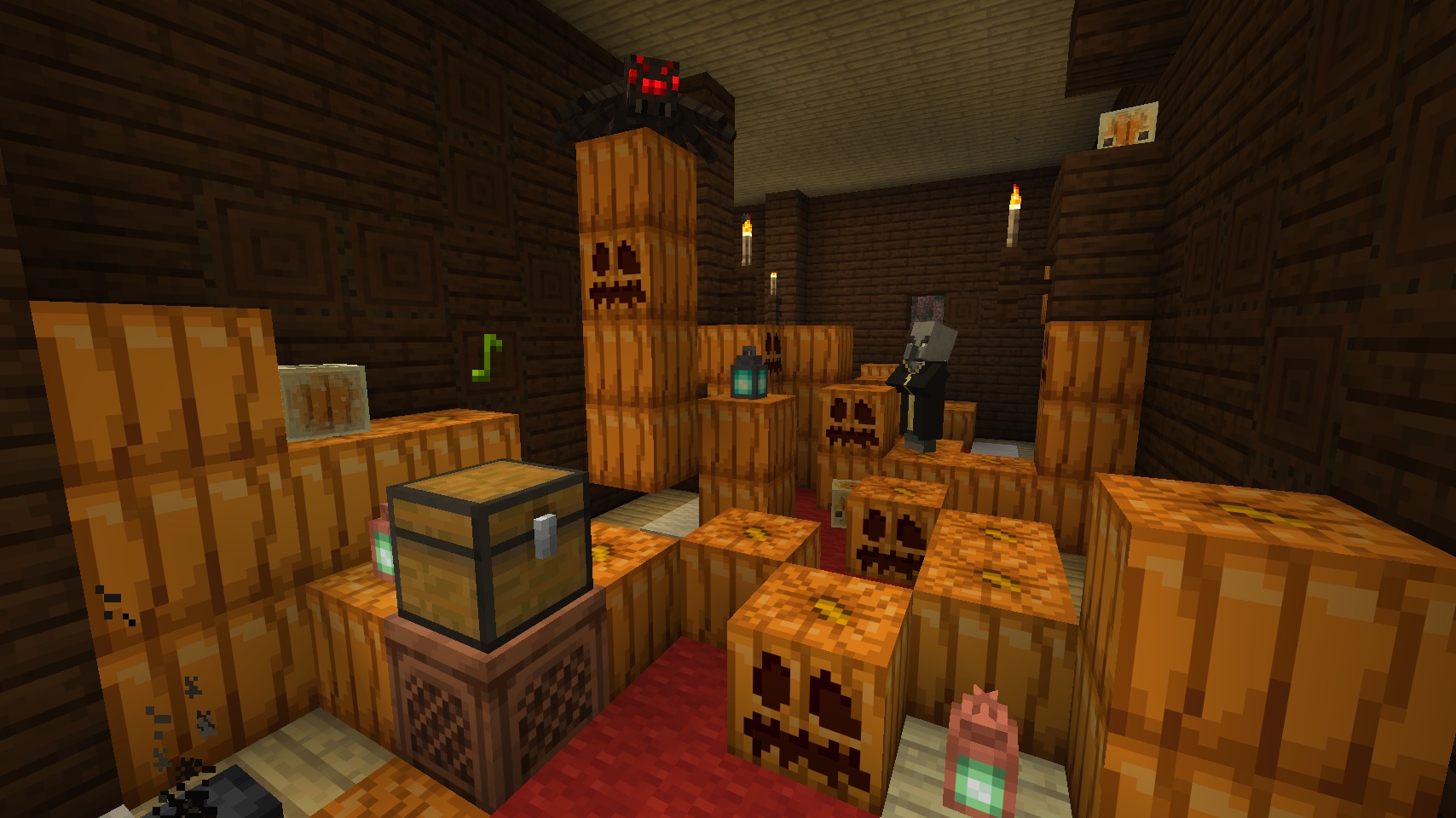
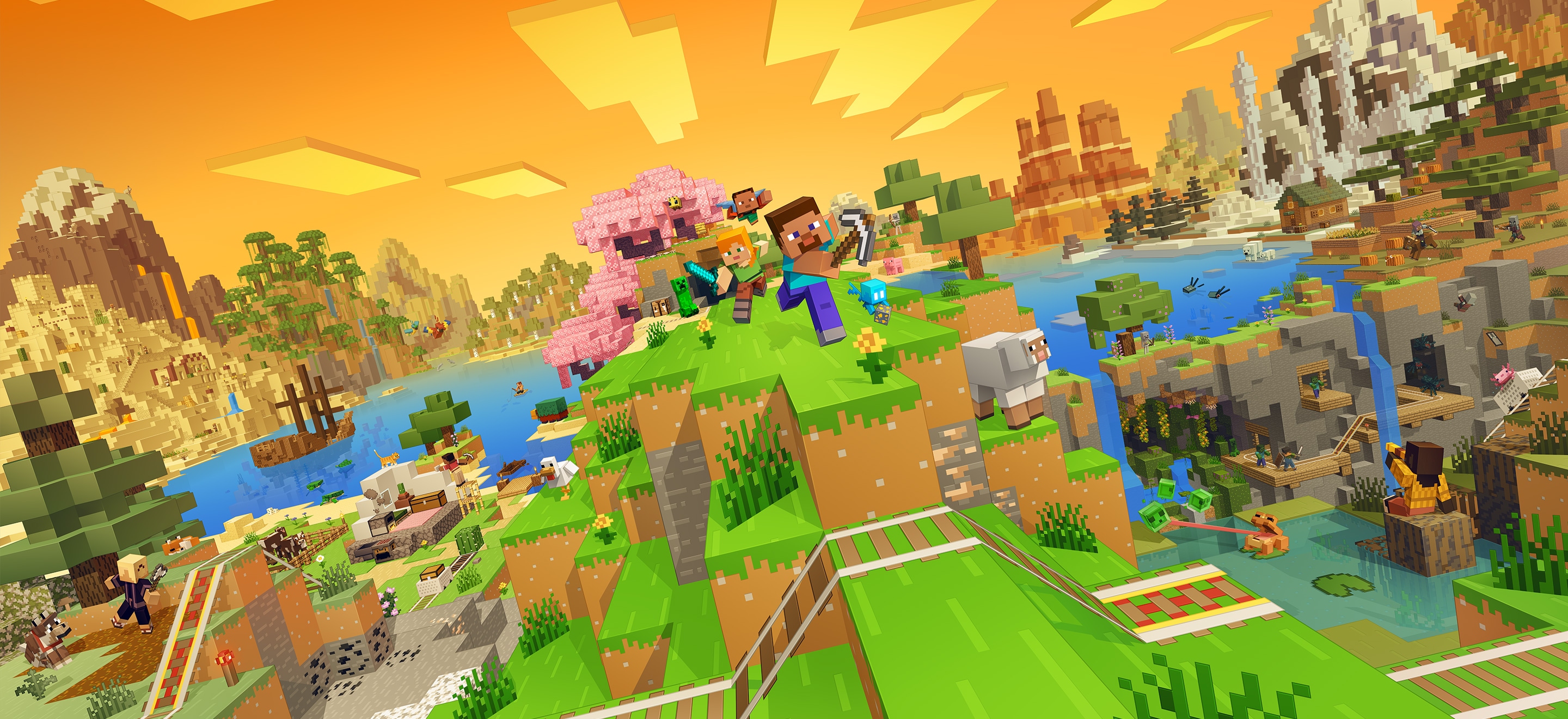
Cover image: Minecraft in-game screenshot (Mojang Studios), via the Minecraft Wiki.
More from us
Explore top posts
Minecraft Jukebox Playlist: Chest on Jukebox Guide
Learn how to make a Minecraft jukebox playlist with a chest on a jukebox, coming in the Java 26.4 and Bedrock 26.70 drop, plus tips for looping music discs.
9 Nov 2026
How to Level Up Fast in Minecraft Survival (XP Guide)
Learn how to level up fast in Minecraft survival: the best XP sources, mob and ore values, smart enchanting tips, and how to avoid losing levels when you die.
9 Nov 2026
Minecraft 26.4 Server Changes: What to Know Before Updating
Minecraft 26.4 server changes from the snapshots, plus what 26.2 added: new server.properties, networking tweaks, Vulkan and a prep checklist for owners.
7 Nov 2026
Minecraft Angel vs Demon Server: Which Side Fits You?
Curious about a Minecraft angel vs demon server? See what alignment survival means, how AngelicCraft uses it, and how to think about which side suits you.
6 Nov 2026
How to Choose a Minecraft Survival Server
Learn how to choose a Minecraft survival server with a practical checklist covering rules, monetization, progression, platform support and community.
4 Nov 2026
Minecraft Wilderness Bound Guide: What to Do First
Our Minecraft Wilderness Bound guide covers what's new in Minecraft 26.3 and the first steps to take in survival, from the dappled forest to abandoned camps.
2 Nov 2026
MythicMobs Custom Boss Tutorial for Survival Servers
Learn how to make a custom boss in Minecraft with MythicMobs: set stats, boss bars, phases, skills and drops, then test it on your survival server.
1 Nov 2026
How to Join a Java Server on Bedrock (Crossplay Guide)
Can Bedrock join Java servers? Yes, with GeyserMC. Learn how to add a server on Minecraft Bedrock, which port to use, and how to fix connection issues.
31 Oct 2026

Minecraft RPG Skills Server Guide: AuraSkills vs mcMMO
Looking for a Minecraft RPG skills server? See what AuraSkills is, how it compares to mcMMO, and how skills fit into AngelicCraft's fantasy survival.
30 Oct 2026
Minecraft 26.4 Ice Caves: Everything We Know So Far
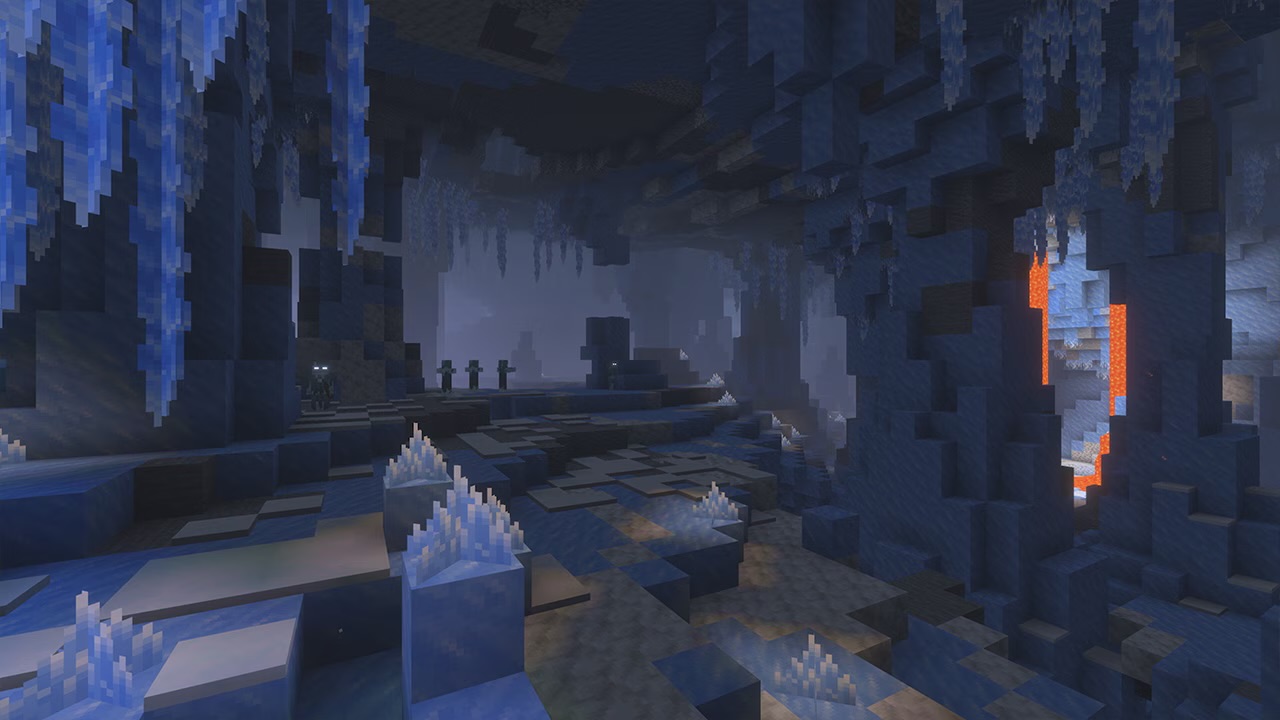
Minecraft 26.4 Ice Caves explained: the new biome, Frostbite mob, Freezing effect and icicles from the snapshots, plus what we know about the release date.
29 Oct 2026
