


Minecraft 26.4 Server Changes: What to Know Before Updating
Posted 2 hours ago
Short answer: the Minecraft 26.4 server changes seen so far are mostly small but useful. The snapshots add new server.properties options, a few networking changes, and Vulkan as the default renderer. Before you update, back up your world, test on a copy, and check that your server software and plugins support the new version. Snapshot features can change before release, and there is no confirmed release date yet.
Where 26.4 stands right now
26.4 is still in snapshots, and we have already looked at one of its biggest additions in our earlier post on the 26.4 Ice Caves. This article looks at the quieter side: what changes for people who run servers, and what players might notice.
Everything below comes from the official notes for 26.4 snapshot 1 and snapshot 2. Treat it as a preview, not a final list.
Server-side changes in the 26.4 snapshots
New server.properties options
Snapshot 1 adds three new entries to server.properties:
- allowed-connection-ids is a comma-separated list of IDs. If it is not empty, the server matches the values against the ID in the connection intent packet, and connections that do not match are rejected for both status and login.
- status-contact-details is sent in the status response under the contact property when set, as a way to reach the server owners.
- enable-legacy-status lets you turn off pre-1.7 status and ping handling. It defaults to true, and the notes point out that enable-status must be set for any status information to appear.
Read the official notes and test these on a copy before relying on them.
Networking changes
Snapshot 1 also touches the connection process in three ways:
- A new minecraft:mod_list packet is meant to inform servers about client mods to simplify debugging. The vanilla client sends an empty version at the start of the configuration phase, so actual mod reporting is left to third-party modding platforms.
- The handshake host field can now hold additional parameters in a query-string-like format, such as domain?key=value. The notes warn that these properties are unencrypted and should not be used for anything security-sensitive.
- The transfer packet has a new properties field, a string-to-string map that is added to the host field of the intent packet sent to the target server.
If you run proxies, transfer setups or tools that read the handshake, these are worth a look. Most small survival servers will not feel them directly, but plugin and proxy developers may need to adapt.
Worlds, commands and biomes
Two changes affect the world itself. Upgrading worlds from before Caves & Cliffs will now also generate sulfur caves below old chunks, which matters if you run a long-lived map. Also, the fillbiome command is now block-accurate, and there are new biome tags, including #generated_in_below_zero_retrogen and #is_cave, that datapack authors may find useful.
Player-facing changes you may notice
- Vulkan by default. The Graphics API setting's "Default" now behaves like "Prefer Vulkan". The game also no longer switches API automatically after a startup crash, so if the game fails to start, you may need to change the setting yourself.
- Mushroom placement. Red and brown mushrooms can be placed on any block with a solid top face, in any light. They still only spread in low light.
- Redesigned F3 screen. Snapshot 2 reworks the debug overlay to be easier to read and understand.
- Better distant visuals. With Improved Transparency on, sky and clouds blend into the render-distance fog.
Don't forget what 26.2 changed for servers
If you skipped or only skimmed Java 26.2 (the Chaos Cubed drop, released June 16, 2026), these server-side items are still relevant:
- Separate server properties for chat and command spam thresholds (chat-spam-threshold-seconds and command-spam-threshold-seconds), both defaulting to 10. Setting one to 0 disables kicks for that type.
- Minecraft Server Management Protocol 3.0.0, which starts before the server does.
- The world host can change Game Mode and Allow Commands from World Options, and the Open to LAN screen has a section for setting them for other players.
- Hoglins are now hostile and no longer spawn on Peaceful.
- Sulfur Caves generate underground, with Sulfur Cubes, and a Friends List was added.
- New entity attributes, including bounciness, friction modifier, air drag modifier and name tag distance.
- An experimental Vulkan option, where Default still matched Prefer OpenGL. The 26.4 snapshots change Default to behave like Prefer Vulkan.
The chat and command spam thresholds are a nice quality-of-life tool for small communities, since you can tune the two separately.
Before-you-update checklist for server owners
- Back up everything. World, plugin configs and server.properties.
- Test on a copy. Run the new version on a duplicate of your world first, and look closely at old chunks given the sulfur cave generation.
- Check your server software. Make sure Paper, Spigot or whatever you use has a build for the new version.
- Check your plugins. Each plugin needs to support the version, and cross-play tools like GeyserMC need to catch up too if you support Bedrock players.
- Review new properties. Read the notes for the new server.properties entries and decide whether you want to change them.
- Warn your players. Tell them which client version to use and mention the Vulkan default in case anyone has graphics trouble.
Snapshots are for testing, not for live servers. Wait for the full release, and then wait for your software and plugins.
Why plugin-based servers update slowly
As a general rule, a server that depends on plugins has to wait for those plugins, and for Geyser if it supports Bedrock, to support a new version before it can safely update. That is normal practice across the community and it protects worlds from broken skills and mobs. A slower update is usually a healthier update.
It is a lesson we keep in mind for AngelicCraft, our fantasy survival server built around an Angel vs. Demon alignment system. It is designed to run plugins such as AuraSkills for skills, MythicMobs for custom mobs, and EssentialsX, with Bedrock support through GeyserMC. AngelicCraft has not launched yet, so there is nothing to update today, but the checklist above is the kind of care we think any server should take.
FAQ
When is Minecraft 26.4 coming out?
No official release date has been confirmed. It is still in snapshots, and snapshot features can change before release.
Should I update my server to a 26.4 snapshot?
Only on a test copy. Snapshots are not meant for live worlds, and plugins generally do not support them.
What are the new server.properties options in 26.4?
Snapshot 1 adds allowed-connection-ids, status-contact-details and enable-legacy-status. Check the official notes for details before changing them.
Is Vulkan required in 26.4?
The snapshot makes Vulkan the default, with "Default" behaving like "Prefer Vulkan". The Graphics API option is still there, so you can choose Prefer OpenGL if you have problems.
Will my old world change when I update?
Worlds upgraded from before Caves & Cliffs generate sulfur caves below old chunks, so test a copy first.
Where can I read more?
The official snapshot 1 and snapshot 2 notes are the best source. We also covered the Ice Caves in our Ice Caves post.
Join AngelicCraft when it opens
AngelicCraft is not open yet, but you can get ready. Join our Discord to follow along. New to Java or Bedrock connections? Our how to join guide walks you through it.
- Java address: angeliccraft.net
- Bedrock address: angeliccraft.net, port 19132
- Discord: discord.angeliccraft.net
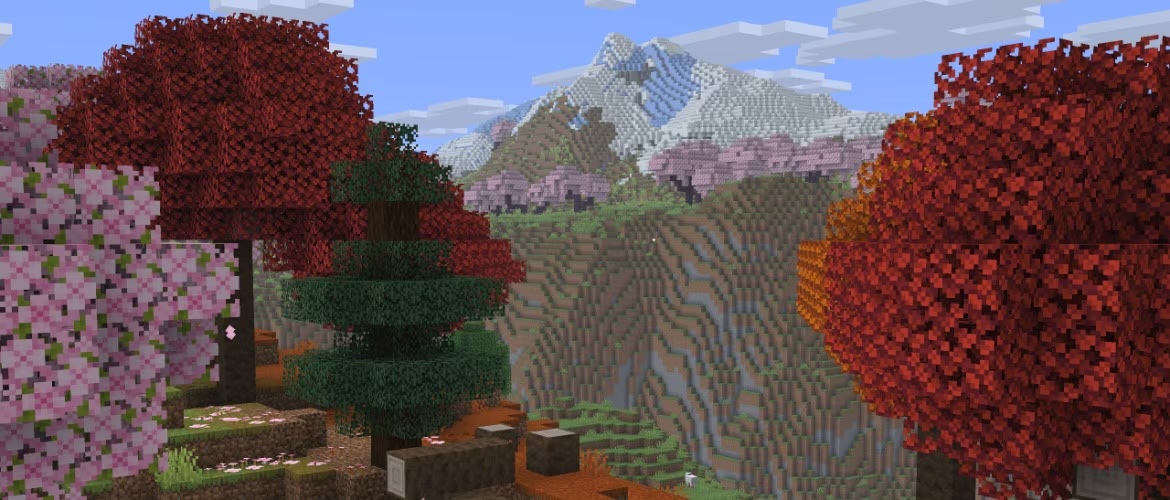
Cover image: Minecraft in-game screenshot (Mojang Studios), via the Minecraft Wiki.
More from us
Explore top posts
Minecraft 26.4 Server Changes: What to Know Before Updating
Minecraft 26.4 server changes from the snapshots, plus what 26.2 added: new server.properties, networking tweaks, Vulkan and a prep checklist for owners.
7 Nov 2026
Minecraft Angel vs Demon Server: Which Side Fits You?
Curious about a Minecraft angel vs demon server? See what alignment survival means, how AngelicCraft uses it, and how to think about which side suits you.
6 Nov 2026
How to Choose a Minecraft Survival Server
Learn how to choose a Minecraft survival server with a practical checklist covering rules, monetization, progression, platform support and community.
4 Nov 2026
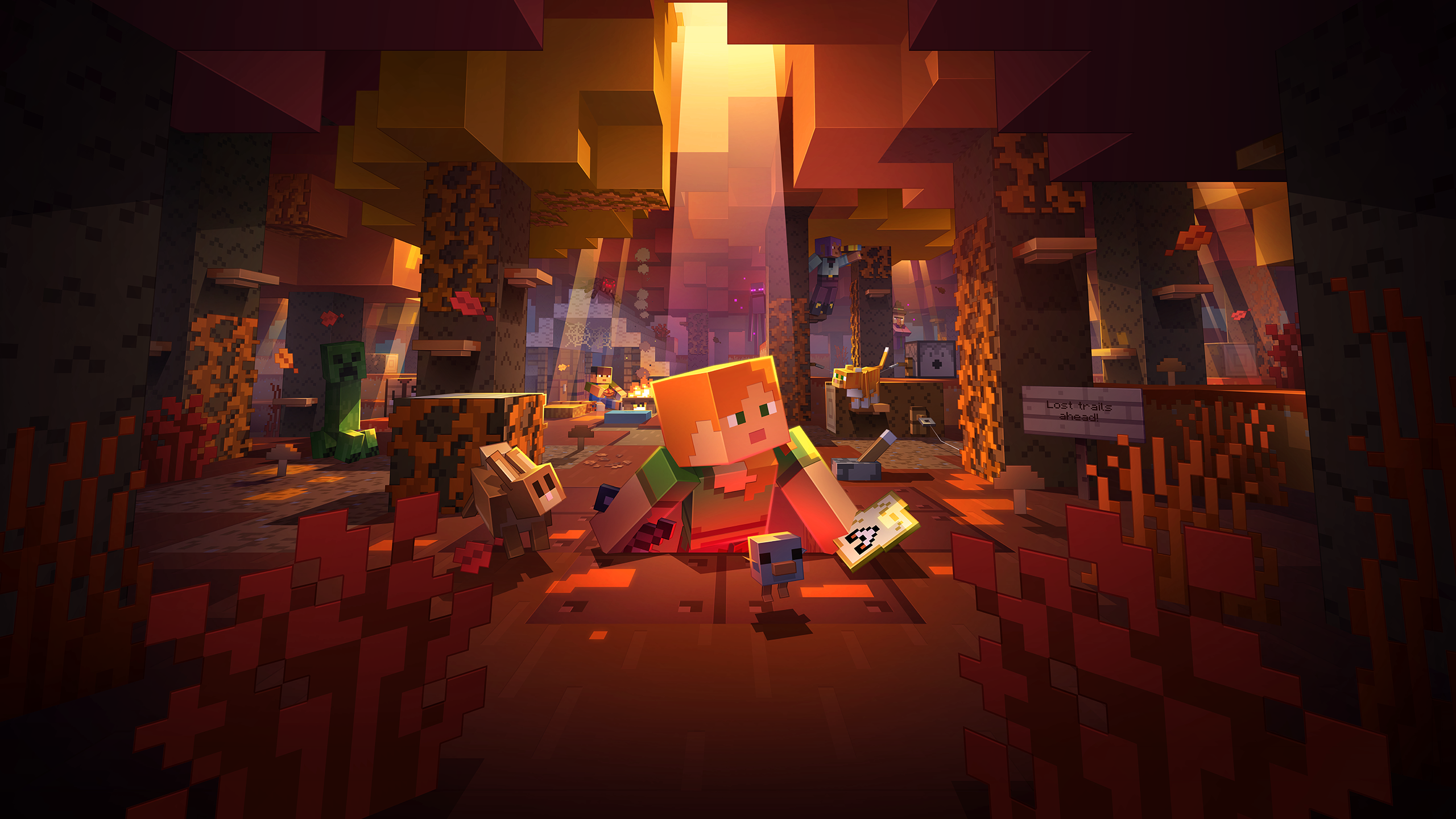
Minecraft Wilderness Bound Guide: What to Do First
Our Minecraft Wilderness Bound guide covers what's new in Minecraft 26.3 and the first steps to take in survival, from the dappled forest to abandoned camps.
2 Nov 2026
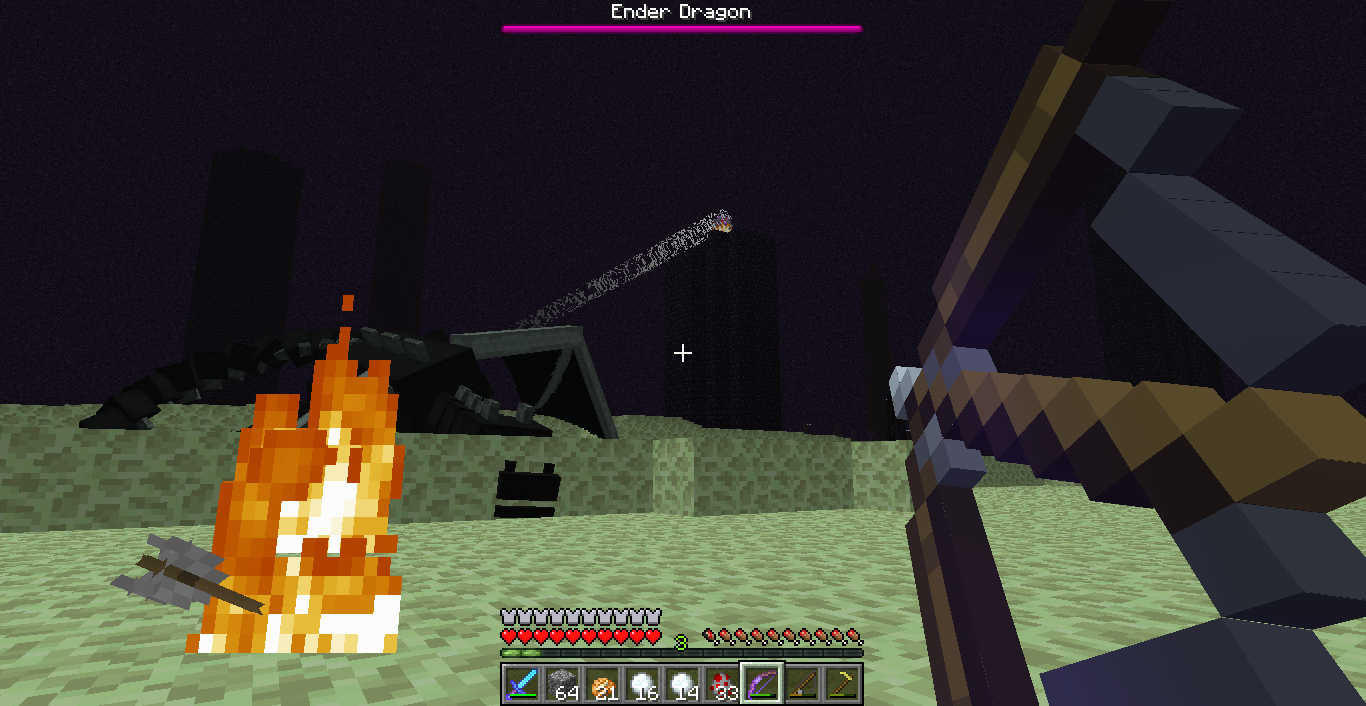
MythicMobs Custom Boss Tutorial for Survival Servers
Learn how to make a custom boss in Minecraft with MythicMobs: set stats, boss bars, phases, skills and drops, then test it on your survival server.
1 Nov 2026
How to Join a Java Server on Bedrock (Crossplay Guide)
Can Bedrock join Java servers? Yes, with GeyserMC. Learn how to add a server on Minecraft Bedrock, which port to use, and how to fix connection issues.
31 Oct 2026

Minecraft RPG Skills Server Guide: AuraSkills vs mcMMO
Looking for a Minecraft RPG skills server? See what AuraSkills is, how it compares to mcMMO, and how skills fit into AngelicCraft's fantasy survival.
30 Oct 2026
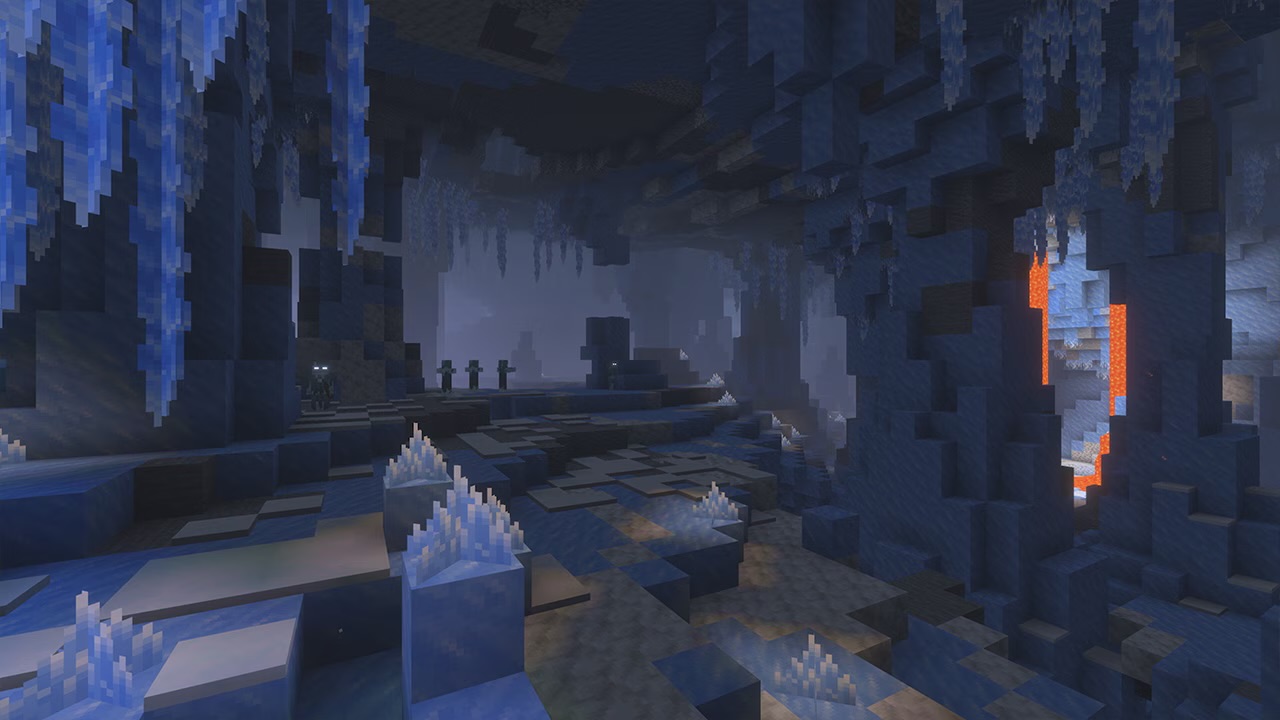
Minecraft 26.4 Ice Caves: Everything We Know So Far
Minecraft 26.4 Ice Caves explained: the new biome, Frostbite mob, Freezing effect and icicles from the snapshots, plus what we know about the release date.
29 Oct 2026
